
Position marker
Position ON
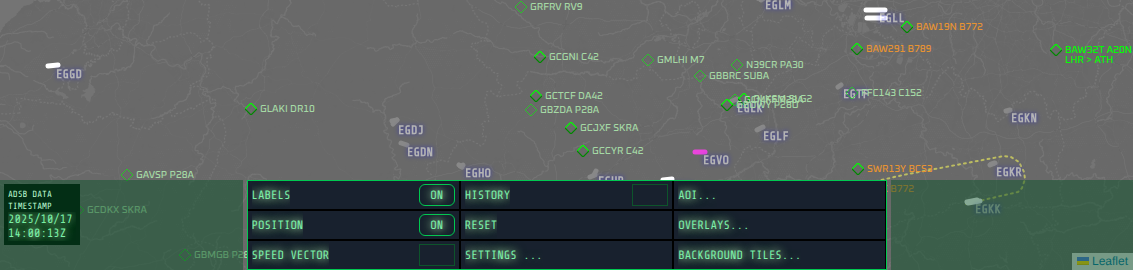
The position marker icon gives an indication of the lateral position of the aircraft. Different styles of marker can be selected to give a visual indication of vertical profile (climbing, level, or descending) and/or aircraft category.
Position off
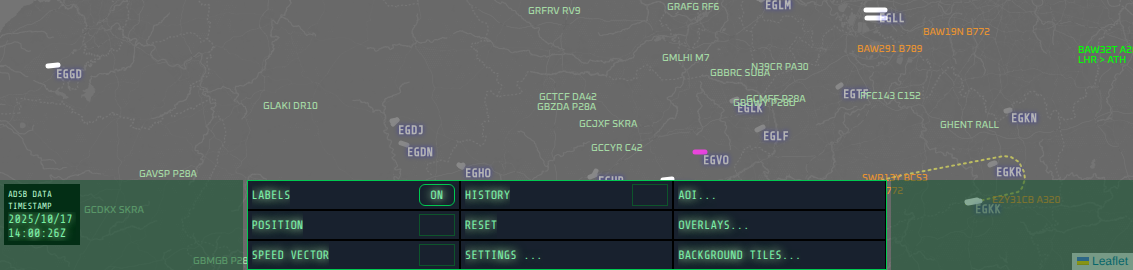
No position marker icons are displayed and no indication is given of an aircraft’s vertical profile if short labels are also enabled.
Round, plain
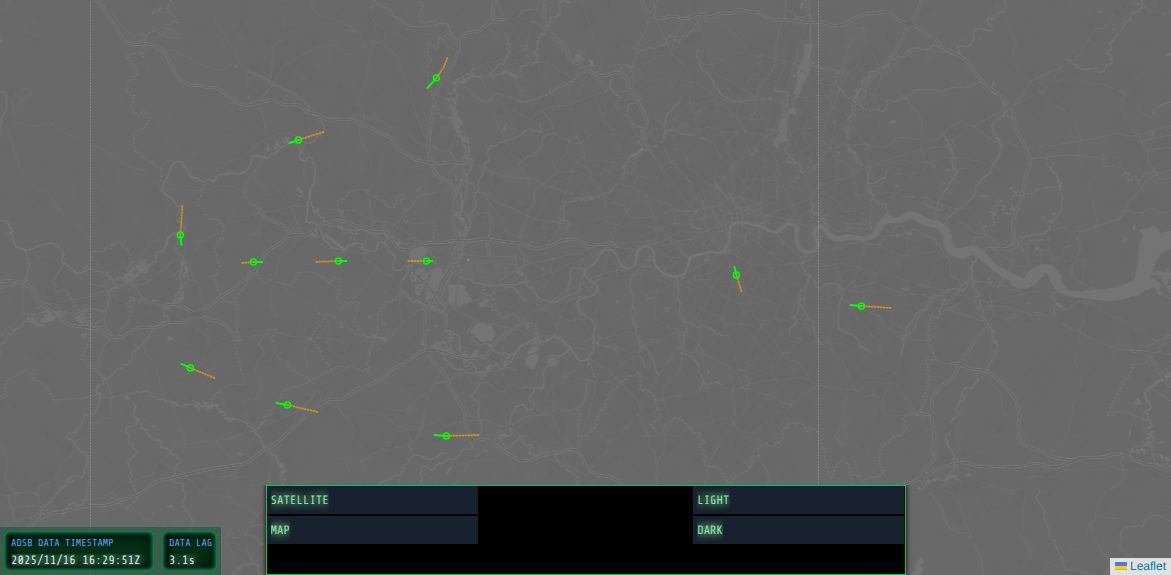
Lateral position only, no visual indication of either aircraft category or vertical profile.
The plain white T of marker symbology.
Round, with vertical profile
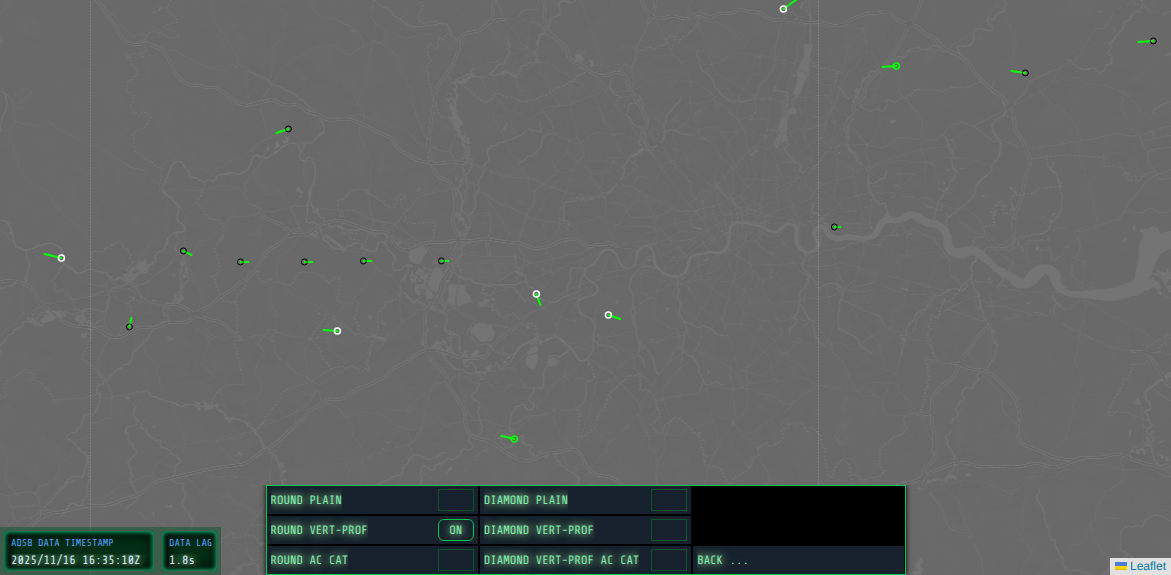
Lateral position, plus the marker colour now indicates vertical profile:
Green: Climbing
White: Level
Black: Descending
Round, with aircraft category
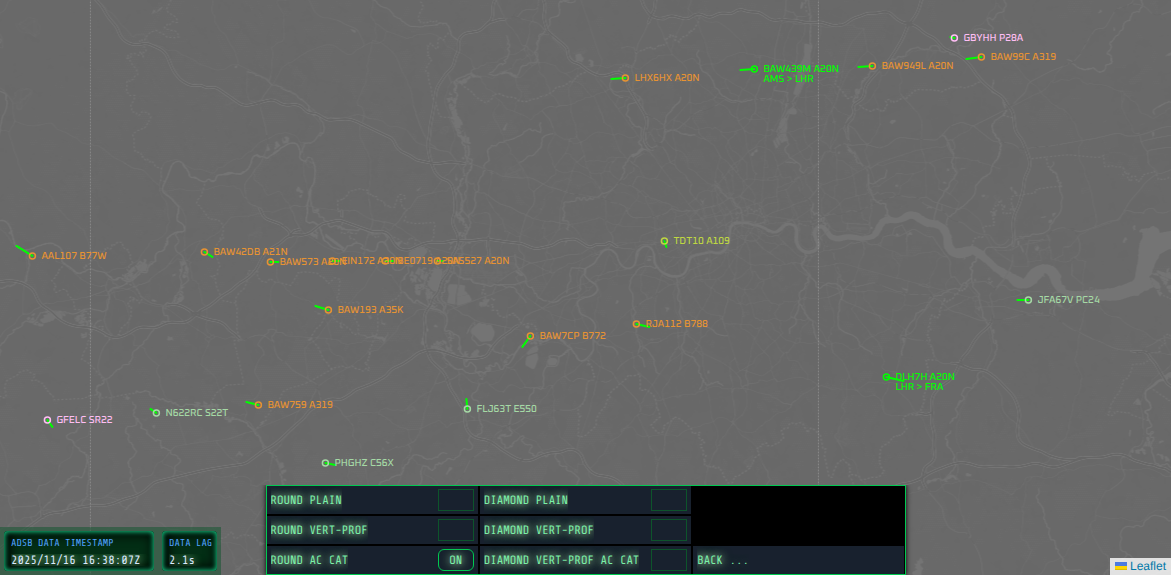
Lateral position, plus the marker colour reflects the colourisation of the aircraft category using the same visual scheme as the label itself.
Diamond, plain
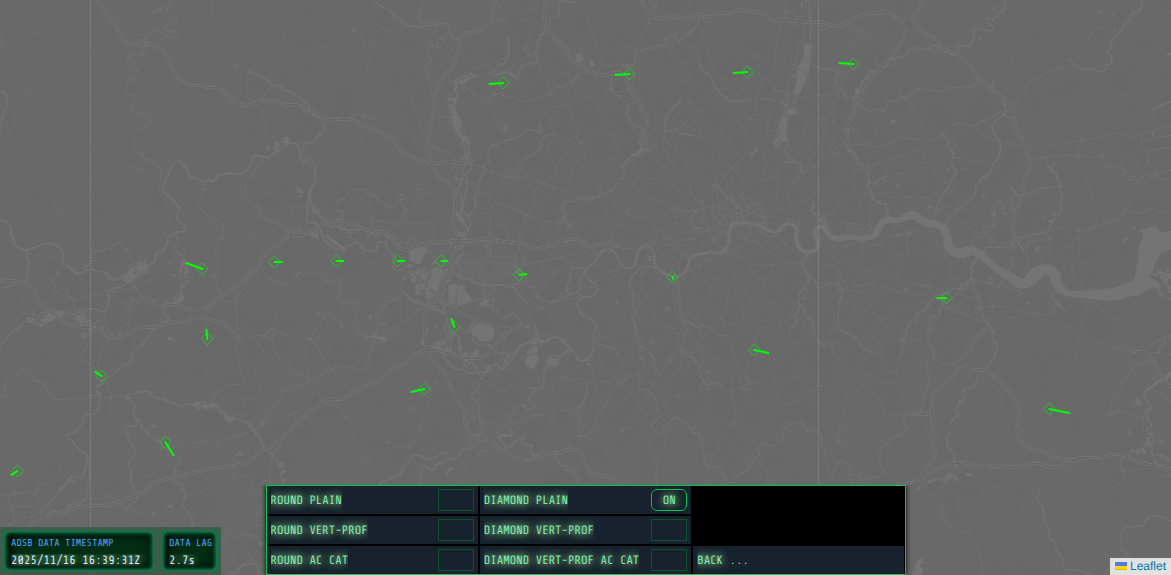
Lateral position only, with the marker shaped as a diamond.
Diamond, vertical profile
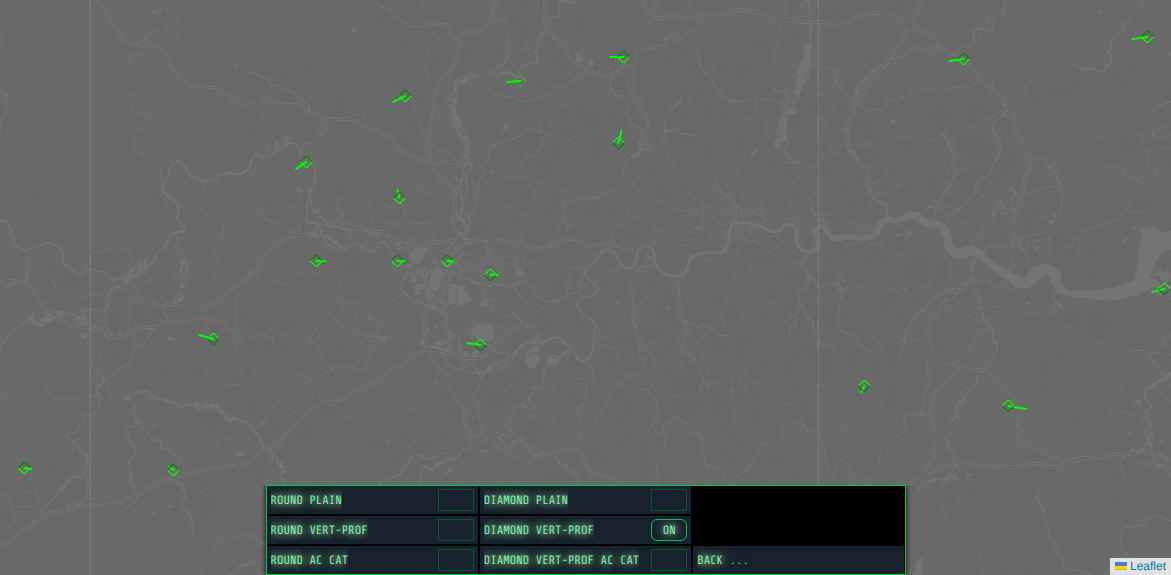
Lateral position with a visual indication of the vertical profile.
In this mode, the diamond is split horizontally into two, and the highlighted upper or lower portion is used to indicate an aircraft climbing or descending, respectively. A solid diamond indicates an aircraft in level flight.
Diamond, vertical profile with aircraft category
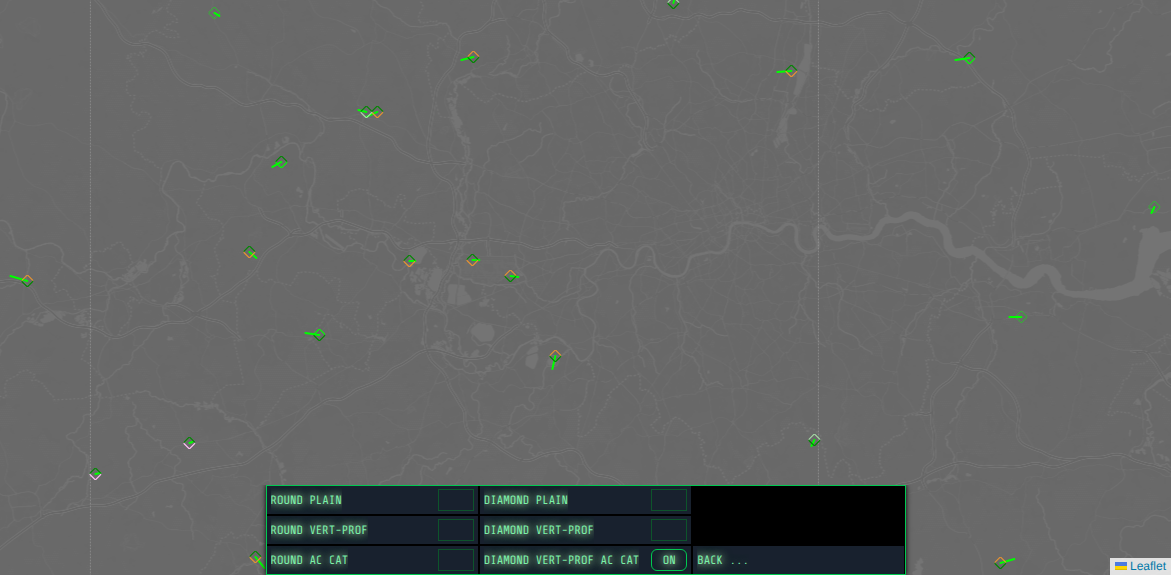
For the highest visual overload, the marker now shows lateral position, an indication of vertical profile as above, and also the same categorisation colourisation used in the label.